
How it works
From the first call to a job in Jobber.
StormOps™ is emergency tree service software that turns a storm damage call into a priced estimate, a signed contract, and a scheduled job in Jobber, in six simple steps.
Your labor and equipment rates, 4- and 8-hour minimums, debris removal, and sales tax are calculated for you. The customer gets a clear estimate and contract by email, signs from their phone, and the job lands in Jobber ready to dispatch.
No paperwork, no faxing, and no retyping in the middle of a storm.
The whole job, start to finish
- The call comes in
- Enter the customer
- Check off the equipment
- Estimate and contract go out
- The customer signs
- The job lands in Jobber
CALL. ESTIMATE. SIGN. DISPATCH.
01
The call comes in
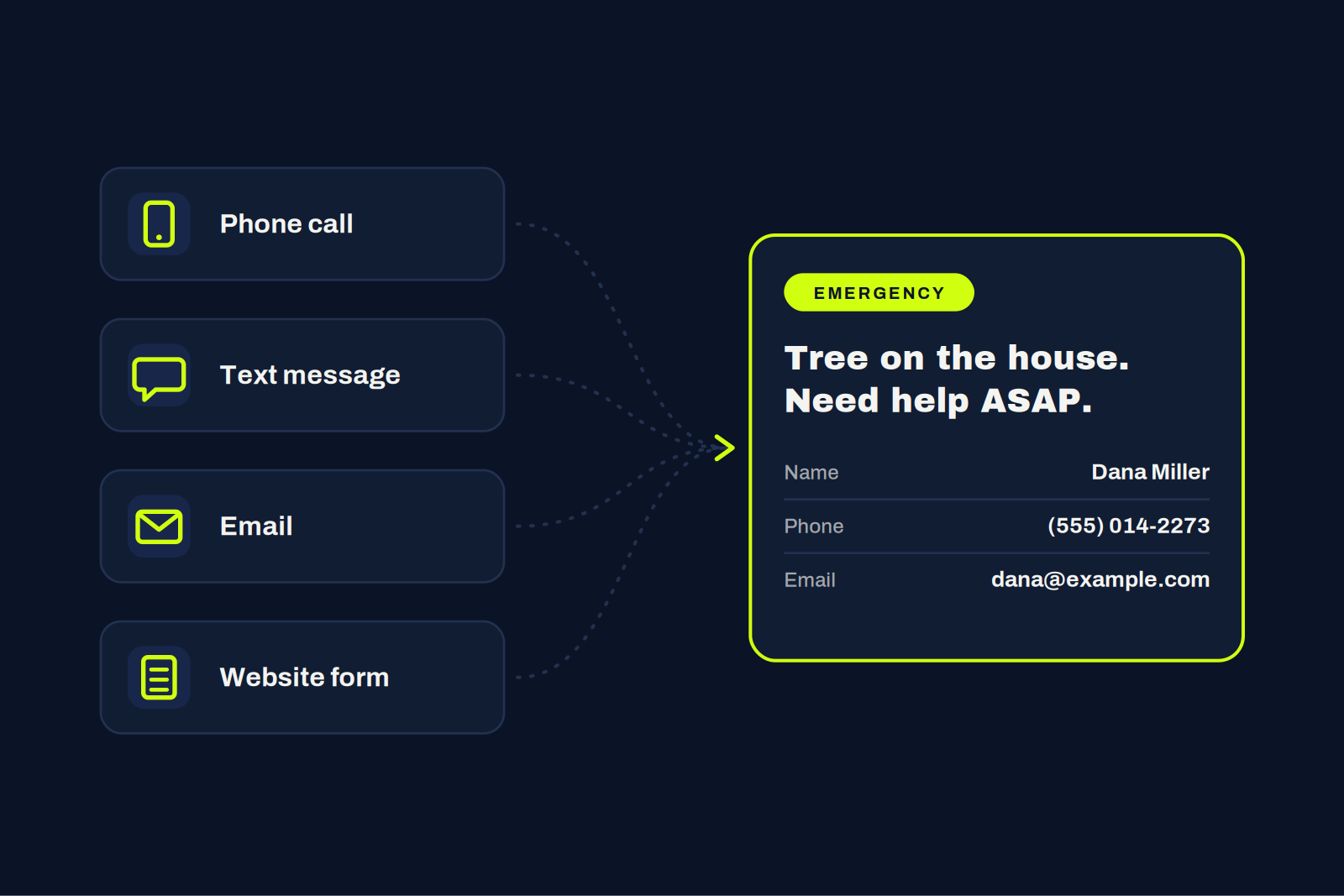
A customer calls, texts, emails, or fills out the form on your website: a tree is down and they need emergency removal. However they reach you, you only need three things to start: their name, phone number, and email.
02
Enter the customer
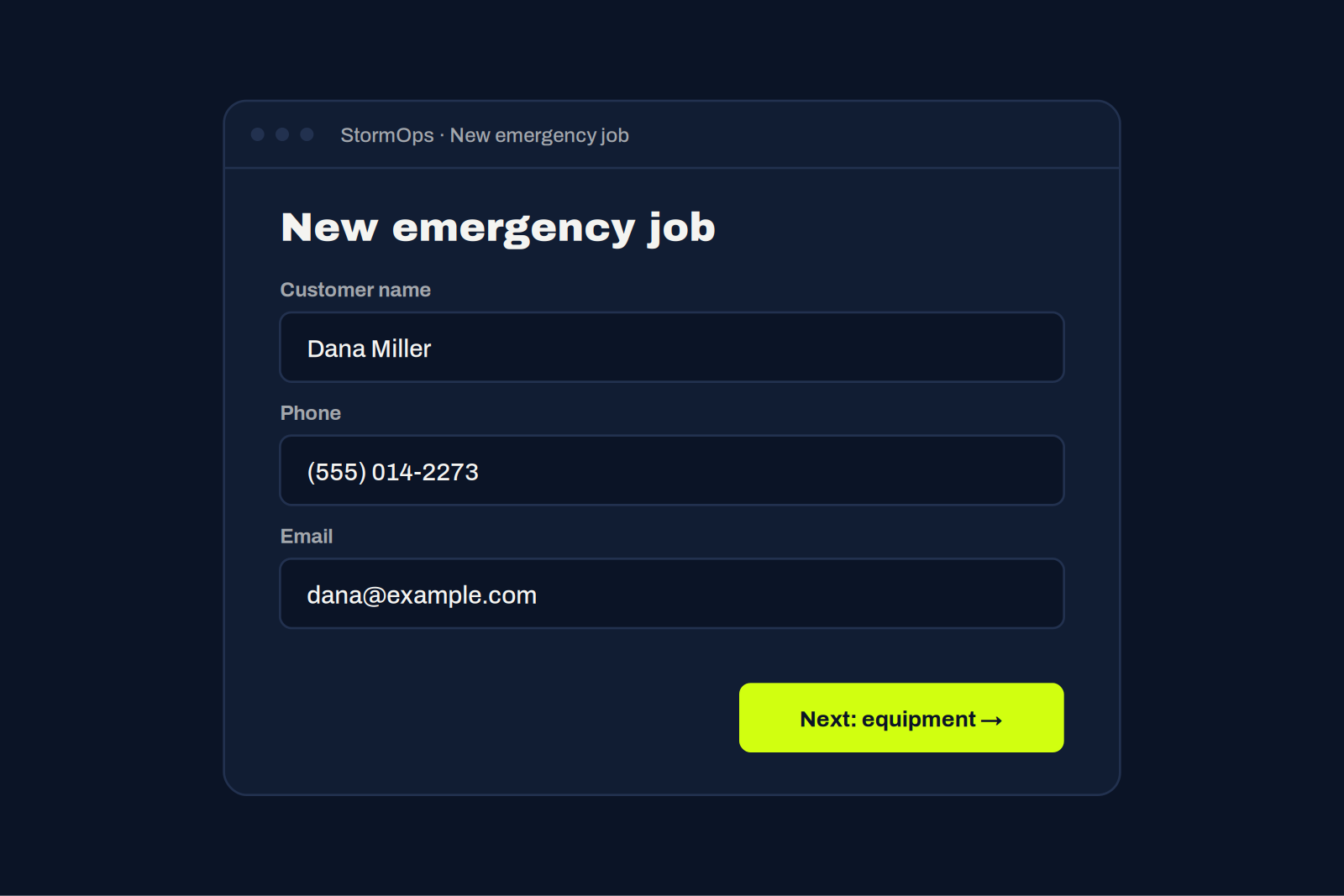
Plug their name, phone, and email into StormOps™. That’s all it takes to open the job, even with the phones still ringing.
03
Check off the equipment
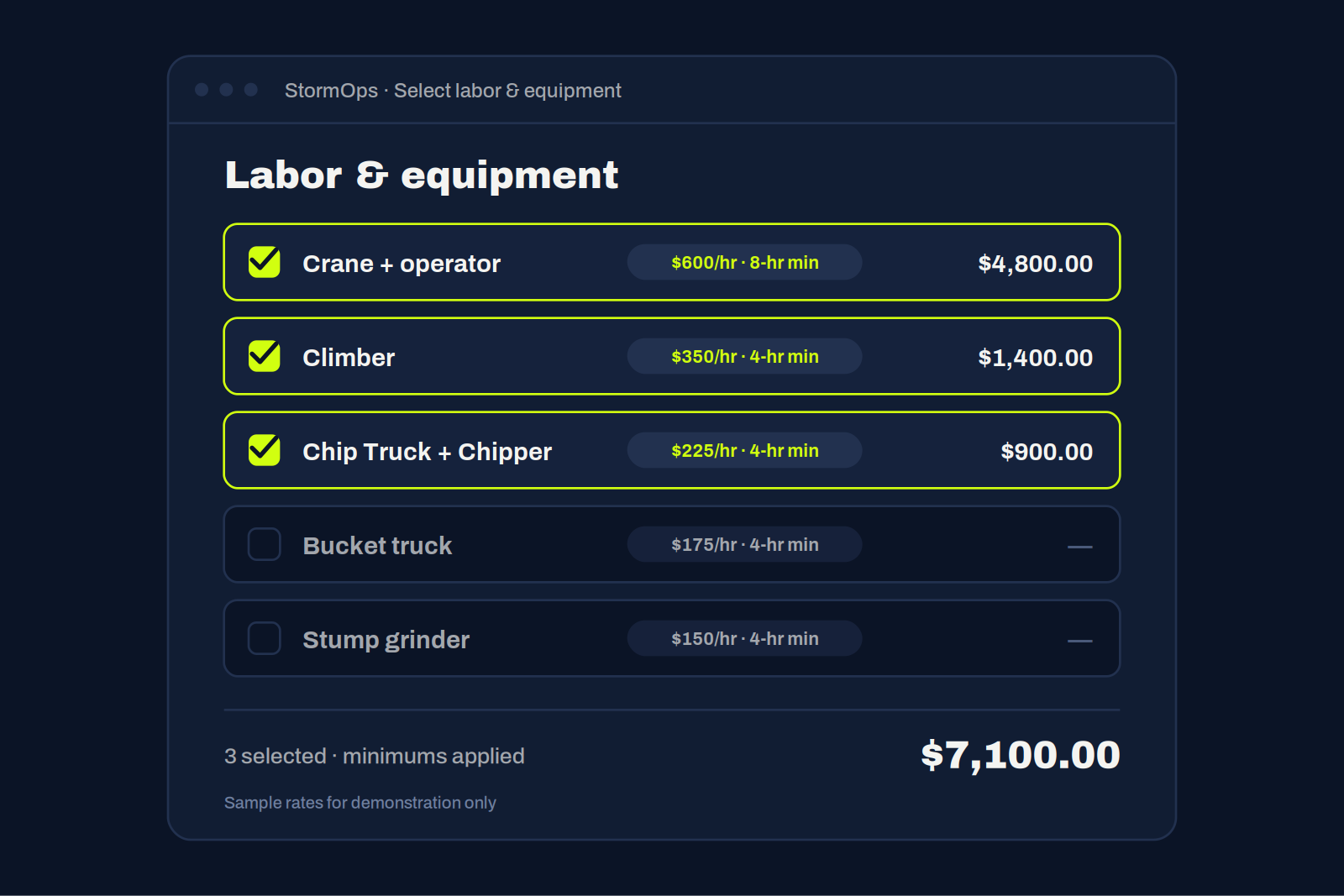
Select the labor and equipment the job needs. Your hourly rates and minimums, like 4-hour or 8-hour minimums, are already set up, so the price builds itself as you click.
04
Estimate and contract go out
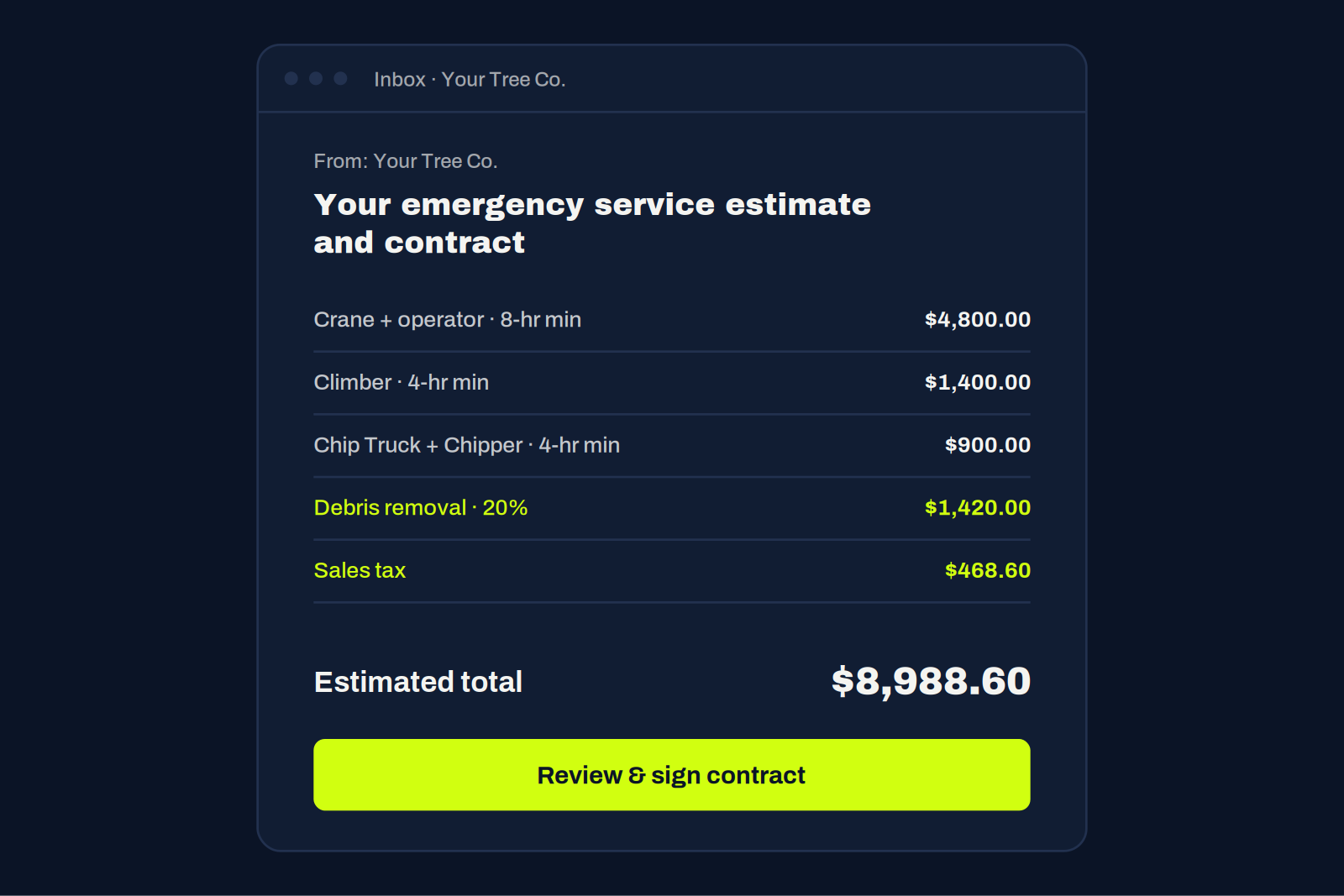
StormOps™ adds your debris removal charge (a percentage you choose; we use 20%) and the applicable sales tax, then emails the customer the full estimated cost together with your contract.
05
The customer signs
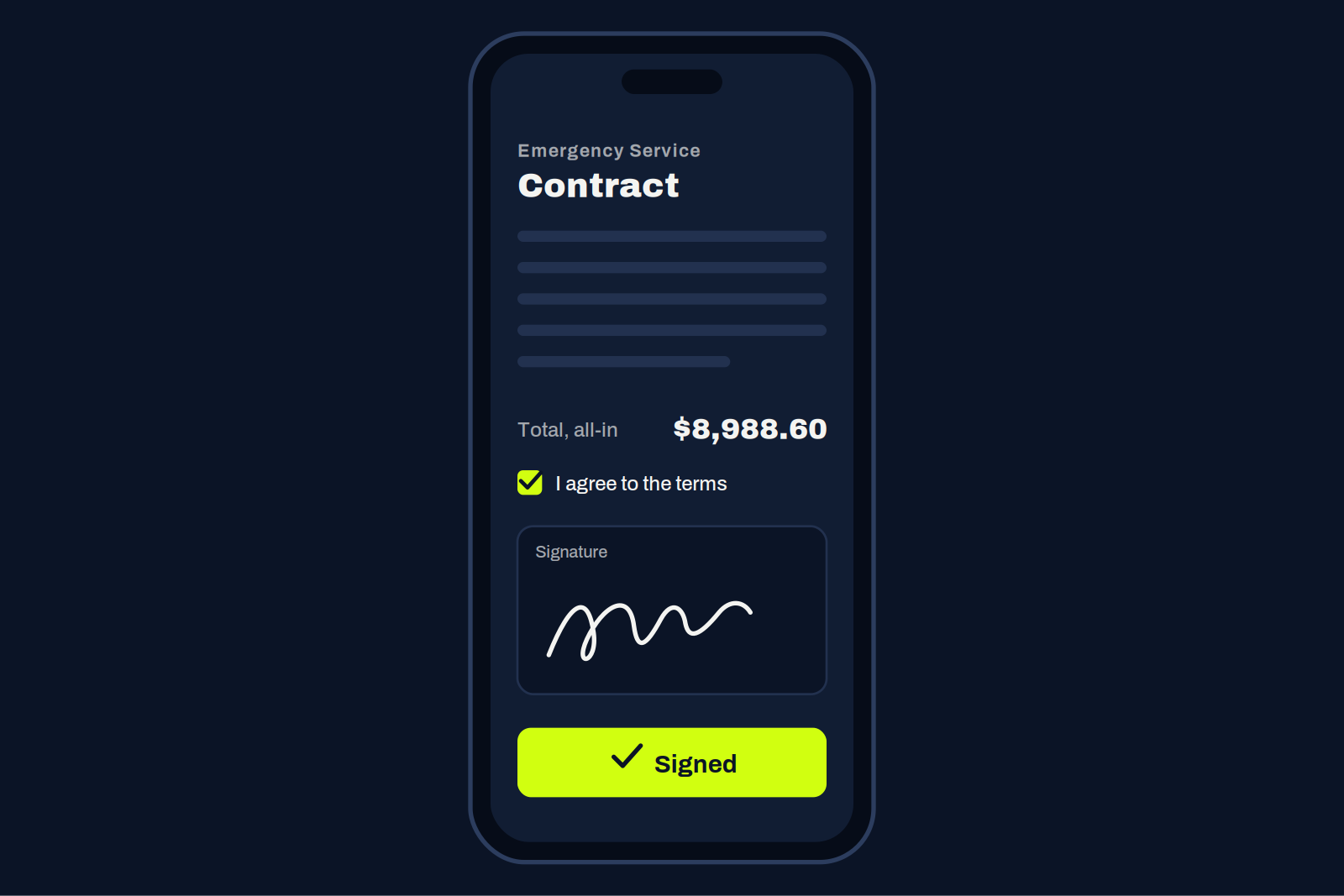
They see everything in one place: every charge, the minimums, the total, and the contract terms. They sign right from their phone, and the signed contract comes back to you.
06
The job lands in Jobber
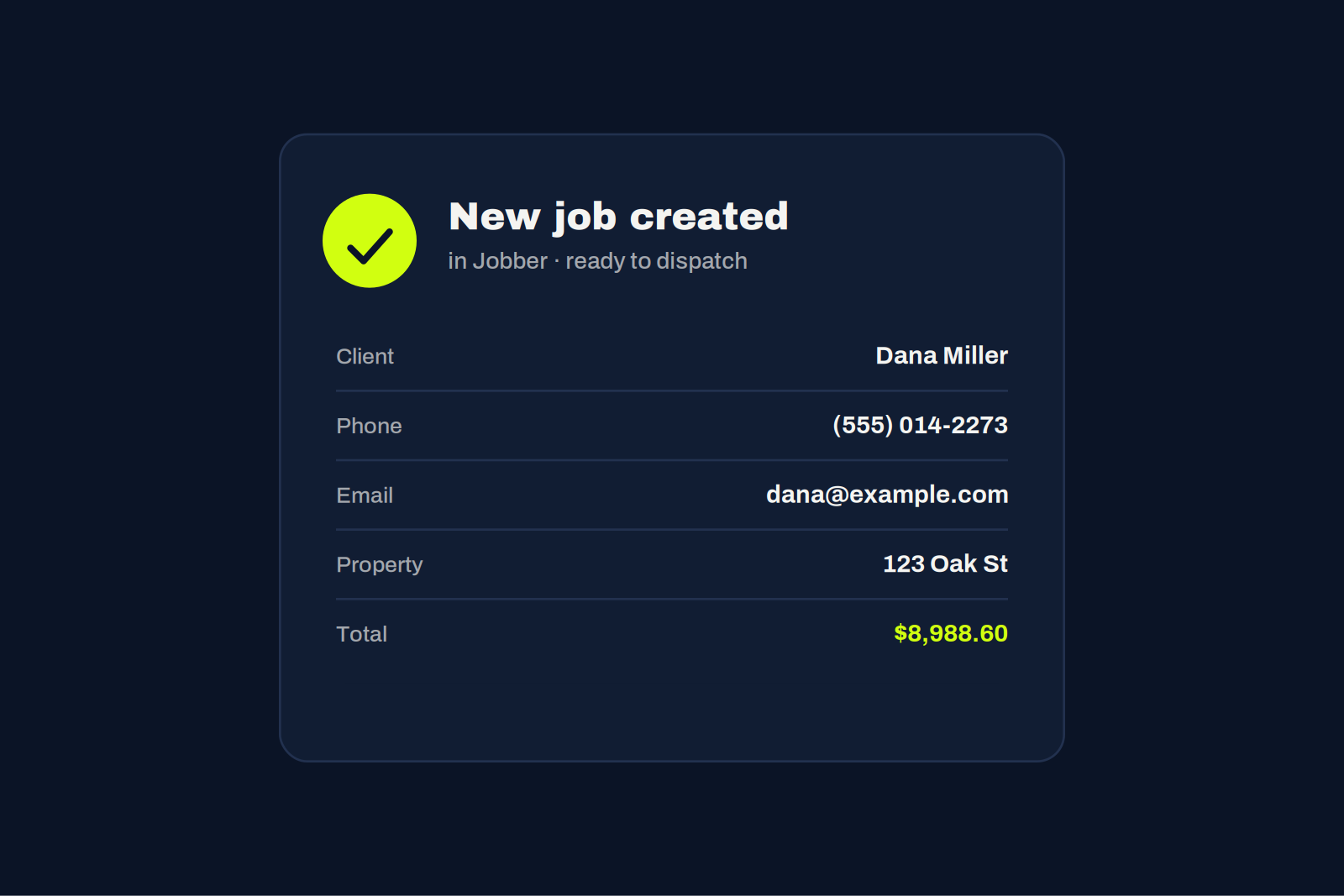
The moment they sign, the job is created in Jobber automatically. No retyping, no double entry. Your office goes straight to dispatch. Not on Jobber? You still get the signed contract, emailed to you and your customer. Not on Jobber? You still get the signed contract, emailed to you and your customer.
See it on a real storm call.
Watch a job go from first ring to a signed contract and a job in Jobber.