
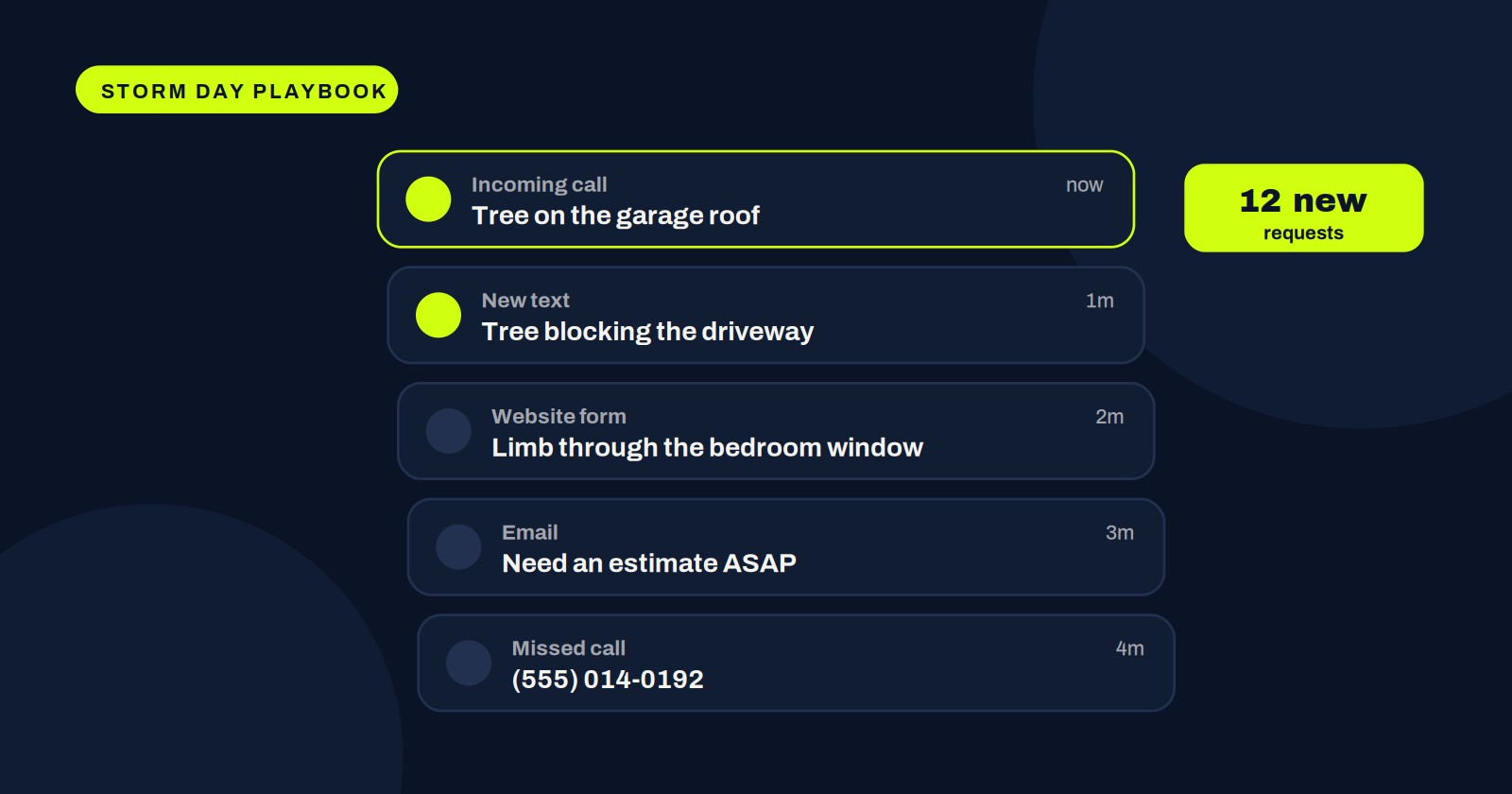
The first few hours after a big storm decide how much of that storm’s work you’ll actually get. Calls, texts, emails, and website forms pour in, and every one of those people is also calling your competitors.
The short version
- Put one person in charge of intake
- Collect the same four details on every request
- Price and send the most urgent jobs first
- Stop typing jobs in twice
- Keep customers updated so they don’t call the next company
Have one person own the intake
When everyone answers the phone, nobody tracks the calls. Put one person, or one small team, in charge of intake. Their only job is to capture every request and get it to whoever is pricing jobs. Crews and estimators stay free to do their work.
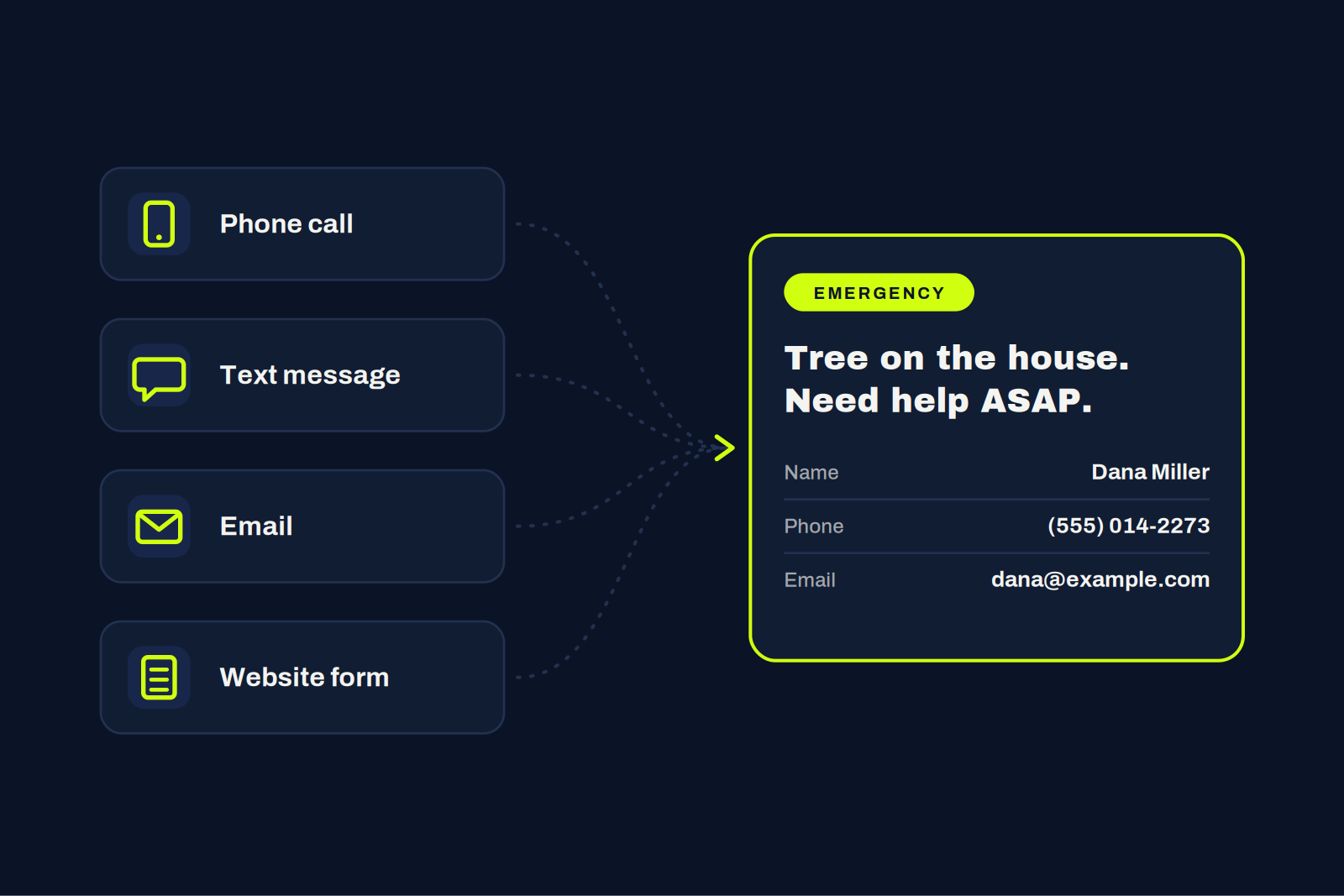
Collect the same information every time
Every request should end up with the same basics: the customer’s name, phone number, email, and property address. A simple script helps. Missing information means callbacks, and callbacks are time you don’t have.
Prioritize by urgency
Not every storm call is the same. A tree on a house or blocking a driveway comes before a limb in the backyard. Sort requests quickly so the most urgent jobs get priced and scheduled first.
The biggest bottleneck in a storm isn’t the crew. It’s getting from “we can help” to a signed contract.
Price and send contracts fast
If pricing and paperwork take an hour per job, you’ll lose work to whoever gets there first. Have your rates, minimums, and contract ready so an estimate can go out while the customer is still on the phone.
Stop typing everything twice
Every job that gets written on paper, typed into an estimate, then typed again into your CRM is a chance for a mistake and a delay for dispatch. Cut out the double entry so signed jobs go straight to scheduling.
Pro tip
A quick text that says “we got your request, here’s what happens next” keeps people from calling the next company on the list.
Built for the surge.
Enter the customer, check off the equipment, and StormOps™ prices the job, sends the estimate and contract, and creates the job in Jobber the moment it’s signed.